
How does the “London Pass” work? A 4-step guide:
- Purchase the pass and receive a confirmation email: Select the number of days you want to use the pass and the specific dates you’d like to use it. You can choose between 1 and 5 days. Pay for the pass and you’ll receive a booking confirmation via email.
- Download the app to your phone and sync it with your pass: Now download the Go City app from your smartphone’s app store. Enter the confirmation number you received via email after purchase into the app. This will sync the app with your personal pass. Don’t worry: this does not activate the pass.
- Select, combine, and, if necessary, reserve your desired itinerary: You can now start putting together your personal sightseeing itinerary for your time in London. You can visit most attractions spontaneously, but for a few attractions, a reservation is required even if you have the pass. So, if necessary, reserve your visit via the app.
- Activate the pass by presenting it at the first attraction: Once you’re in London, simply show your pass on your smartphone at the entrance to your first selected attraction. This will activate the pass.
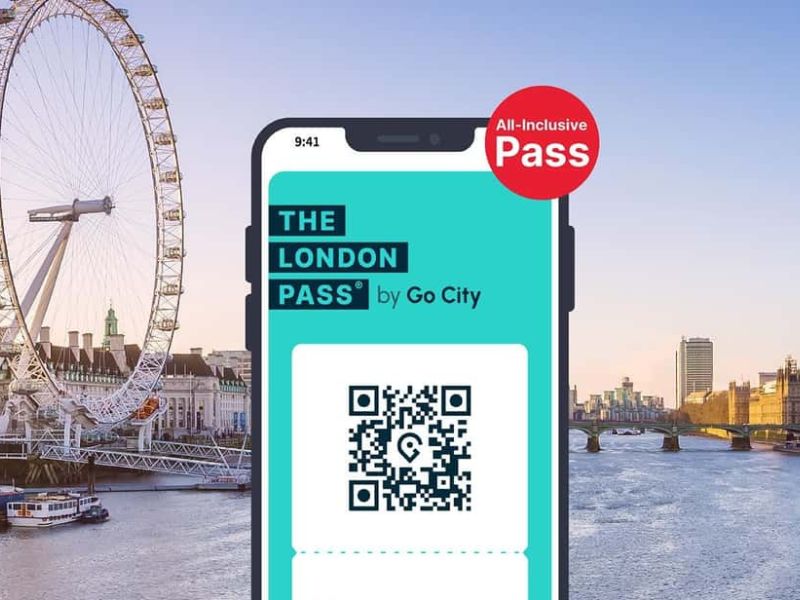
Which London Pass is right for you? At a glance:
- Are you looking for a London Pass for 2, 3, 4, or 5 days in London and want to see as many highlights as possible? → Get The London Pass. Over 100 attractions, a hop-on bus, and a boat tour included—all in one package.
- Do you want to explore London at your own pace and visit just 2–7 specific highlights? → The London Explorer Pass is the right choice for you. You have 2 months to choose exactly what interests you from 90 attractions.
- Are you traveling with kids and want to combine Madame Tussauds, the London Eye, and more? → The London Attractions Pass starting at €59 is the most affordable option—ideal for families.
- Do you also want to experience London with an exclusive Harry Potter tour? → Then the Turbopass London, featuring ~15 attractions and themed city tours, is worth checking out.